Importing Budget Trial Balance Data
ExcelFSM imports trial balance data by clicking 'Read Trial Balance Data'. The imported trial balance is added in the list of imported trial balances.

To get the budget balances in the list, from which list periods are selected for the display of the balances:
1- Generate a Chart of Accounts printout sheet
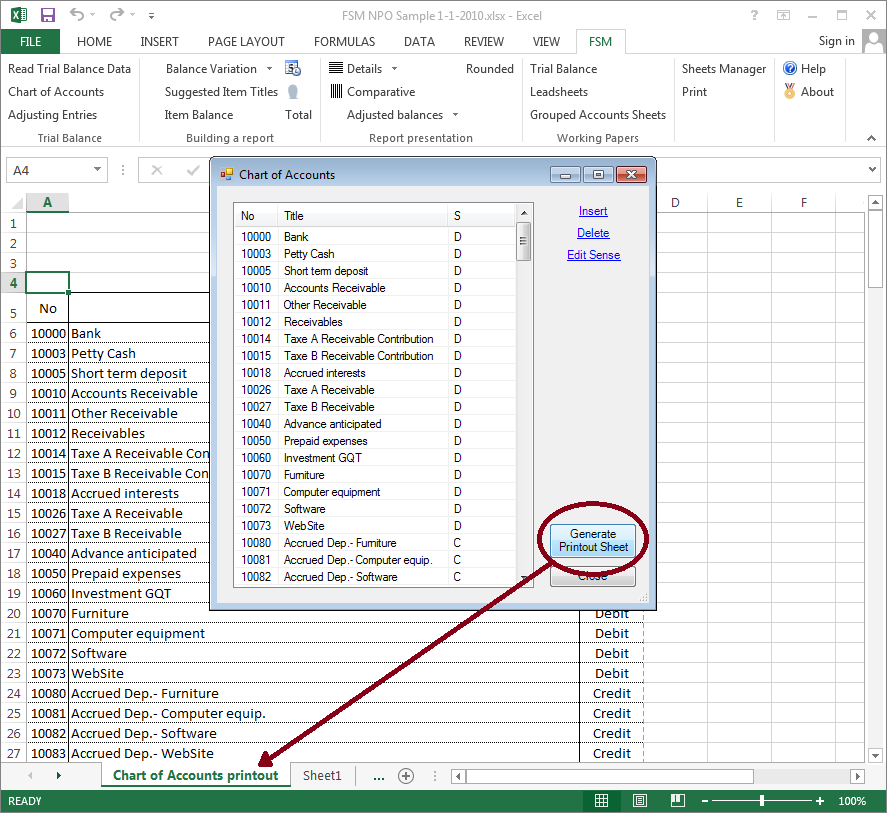
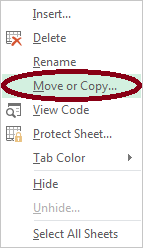
2- Right click on the sheet tab and click 'Move or Copy'
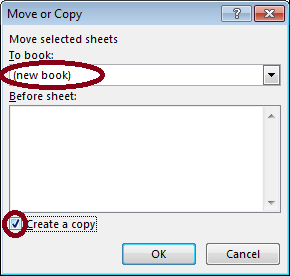
Select '(new book)' and check 'Create copy'
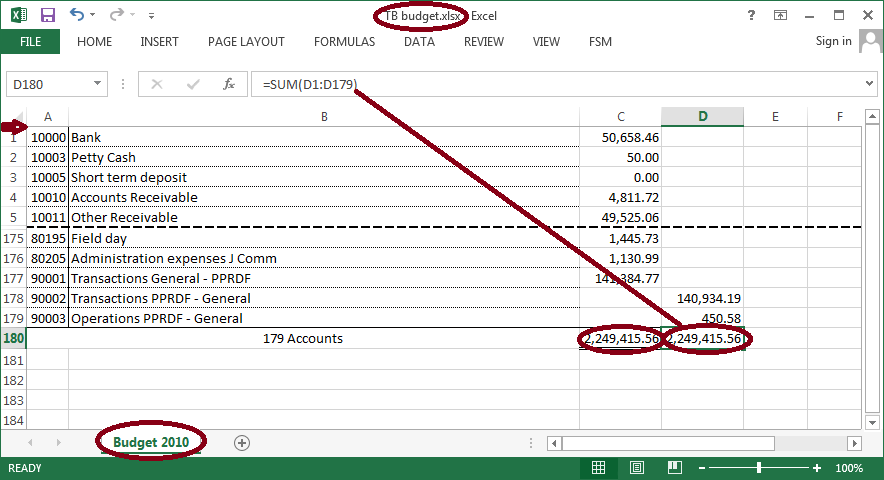
3- Rename the sheet
4- File > Save As
5- Delete titles rows
6- Delete column C
7- Type in the Debits and Credits in columns C and D
8- SUM Debits column and Credits column
9- Close the file
10- Open the FSM workbook to import the budget trial balance data
11- ‘Read Trial Balance Data’ as of mm/1/yyyy (first day of the month, or any day different from the day ending the financial period).